Why Choose the Calendar Widget for Elementor?
Promote upcoming events, display business schedules, or showcase webinars with the Calendar Widget, and build professional calendars directly inside Elementor.
No coding required. Just choose your event source, customize the layout, and publish.
3 Event Sources
Google Calendar, WordPress Posts, or custom events you add by hand.
Fully Customizable
Toolbars, popup layouts, colors, spacing, and typography for every element.
Zero Code
Pick a source, style the calendar, publish. No snippets, no shortcodes.
Data Sources
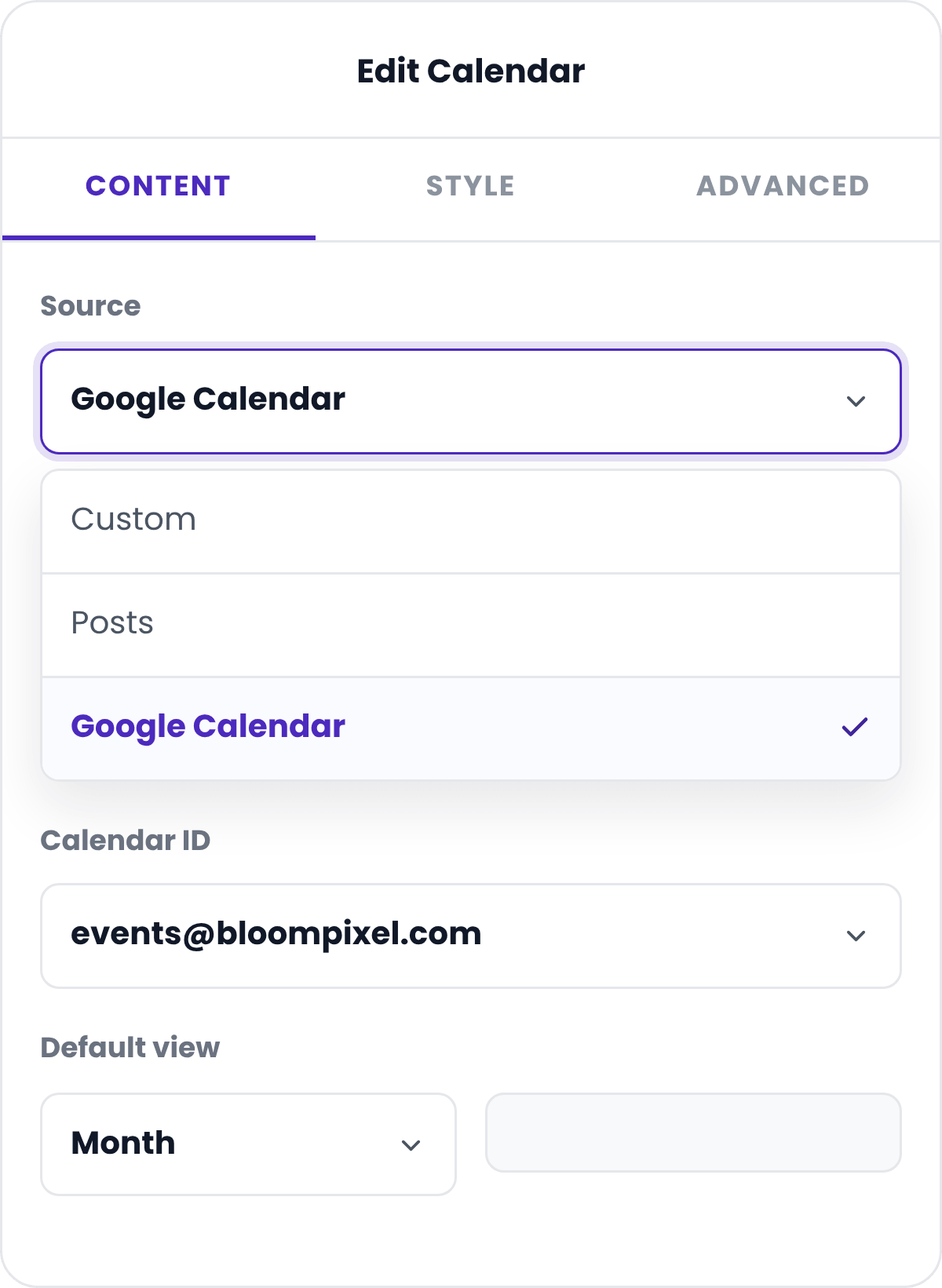
Display Events From Multiple Sources
Don't rebuild your calendar every time your data changes. Connect directly to Google Calendar for live syncing, pull events automatically from your WordPress Posts, or add entries by hand with Custom events, and give each one full detail: title, description, time, location, and link.
Layout & design
Style Every Part of the Calendar
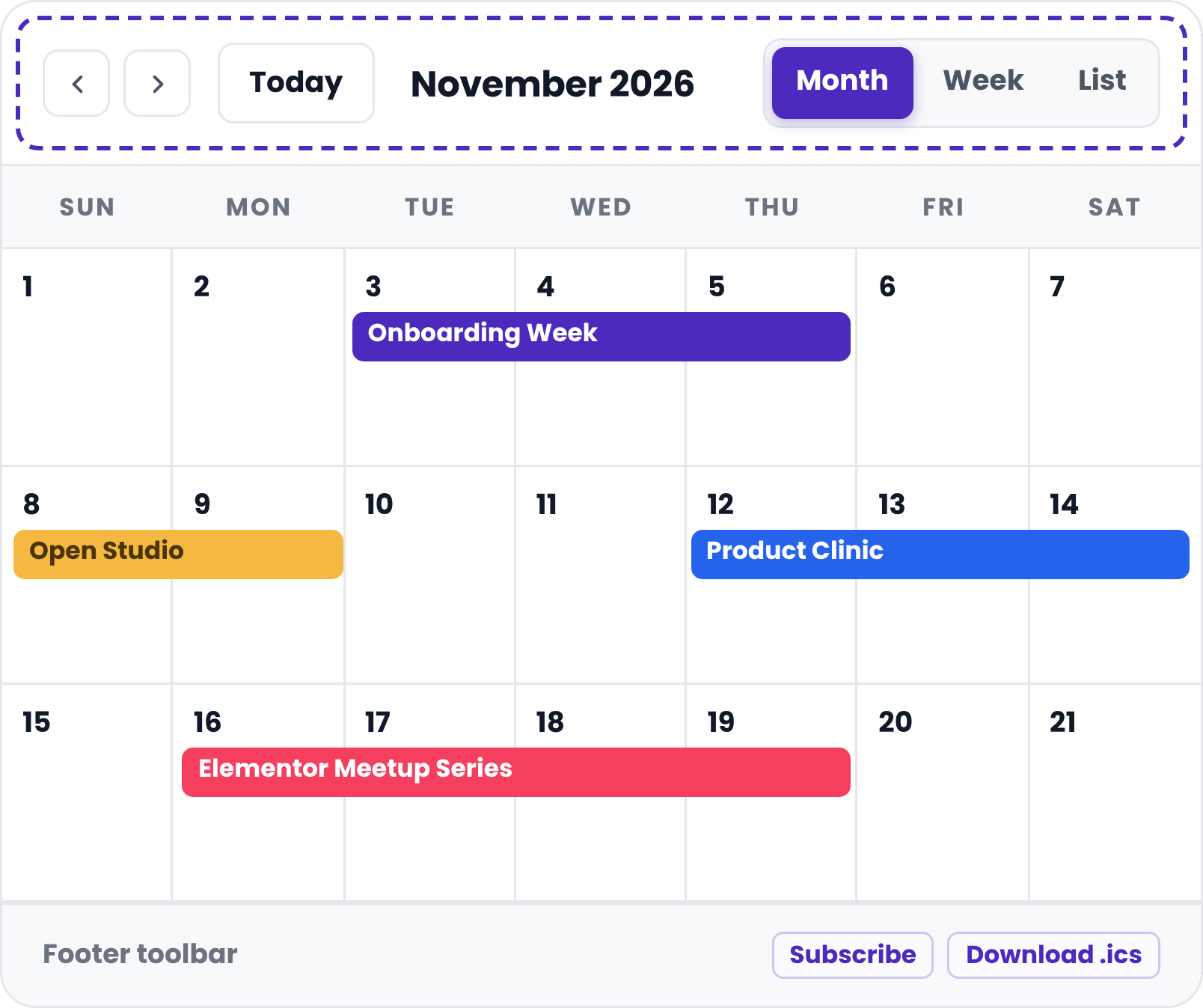
With the PowerPack Addons Calendar widget for Elementor, configure the Header Toolbar to show only the controls visitors need, add a Footer Toolbar for secondary actions, and choose from multiple popup layouts when someone clicks an event, from minimal cards to detail-rich modals.
Header toolbar
Interactions
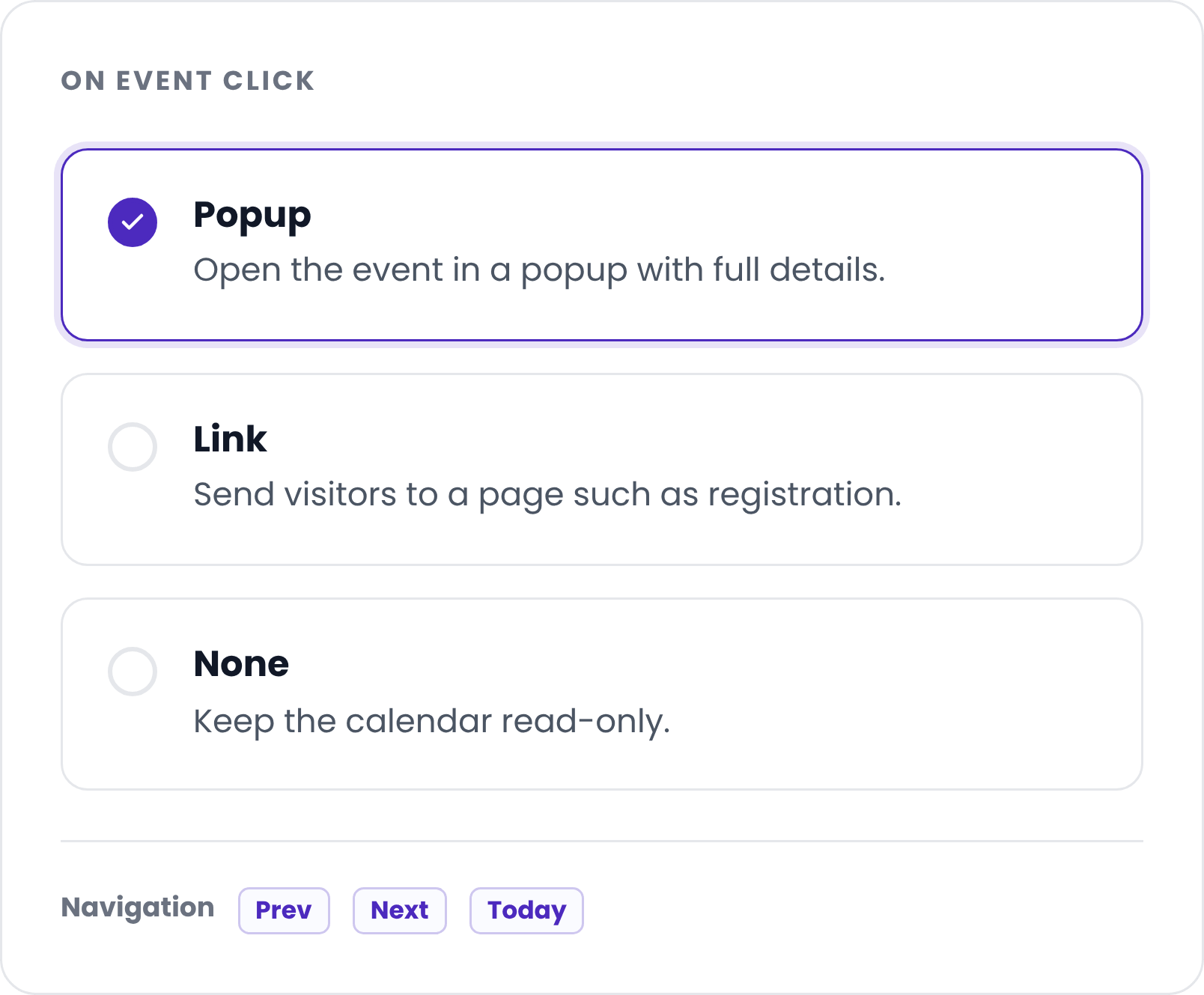
Choose What Happens When Visitors Click an Event
You're in control of the click. When a visitor selects an event, open a popup with full details, jump to a link like a registration page, or do nothing, which is ideal for read-only calendars. Full prev, next, and today navigation comes built in.
Layout & design
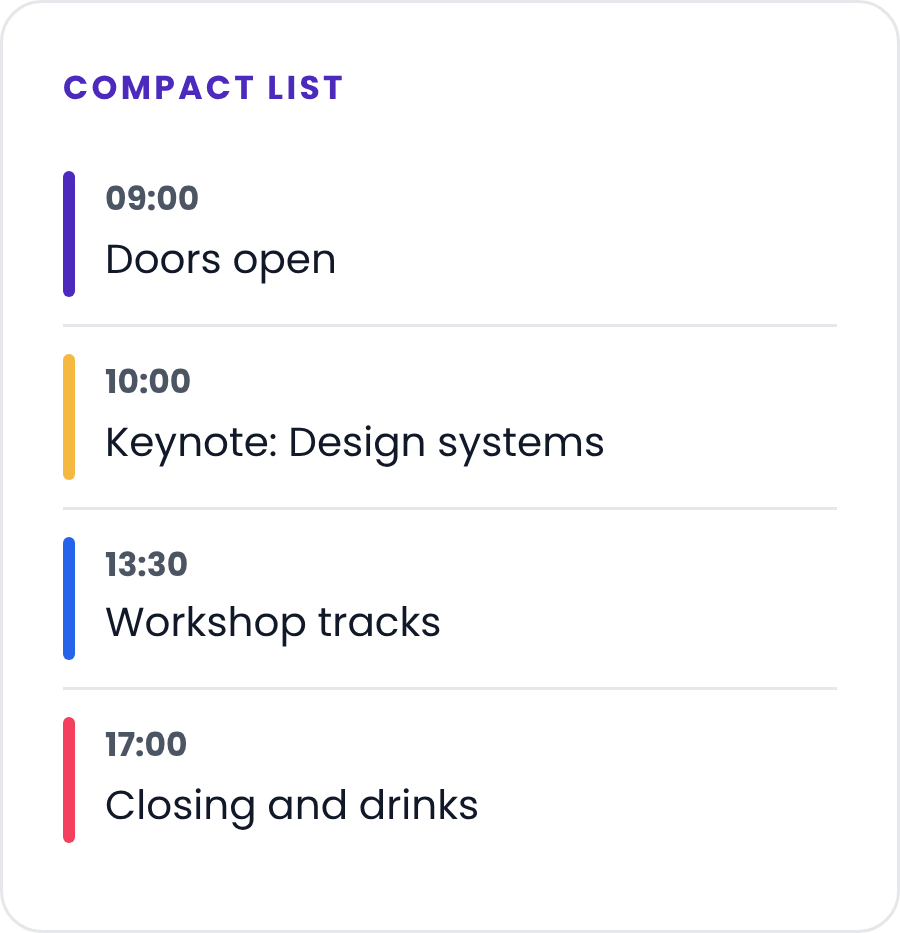
Beautiful Event Popups That Keep Visitors Engaged
Instead of redirecting visitors away from your page, display event details inside elegant popup layouts.
Present important information like event descriptions, schedules, speakers, or registration links without interrupting the browsing experience.


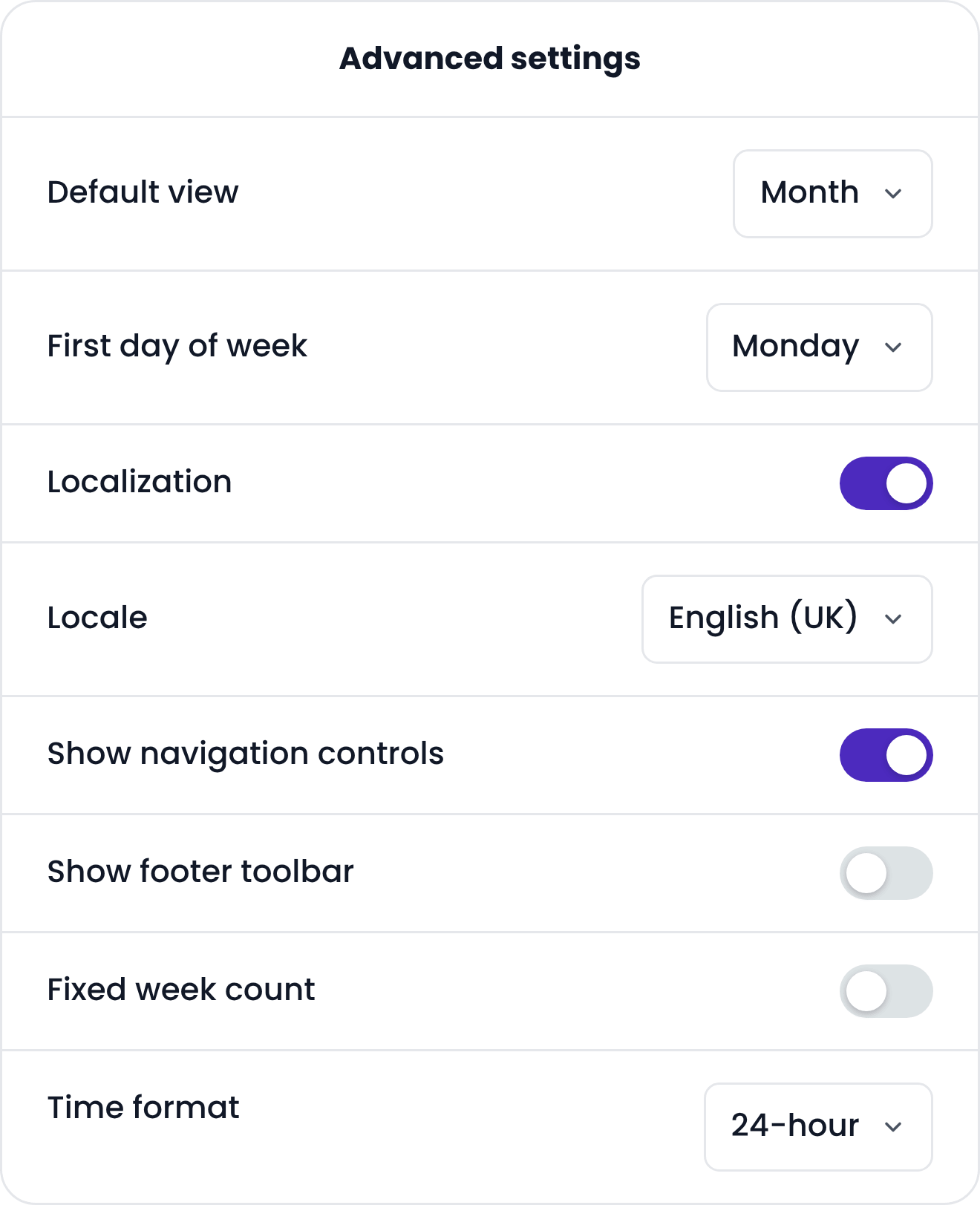
Advanced settings
Powerful Calendar Settings
Every website has different scheduling needs. That's why the Calendar Widget for Elementor includes advanced settings to help you configure your calendar exactly the way you want.
Responsive
A Calendar for Every Screen Size
Visitors check event schedules from desktops, tablets, and smartphones. Your calendar should provide a great experience everywhere.
The PowerPack Calendar Widget for Elementor is fully responsive, automatically adapting its layout across all devices.
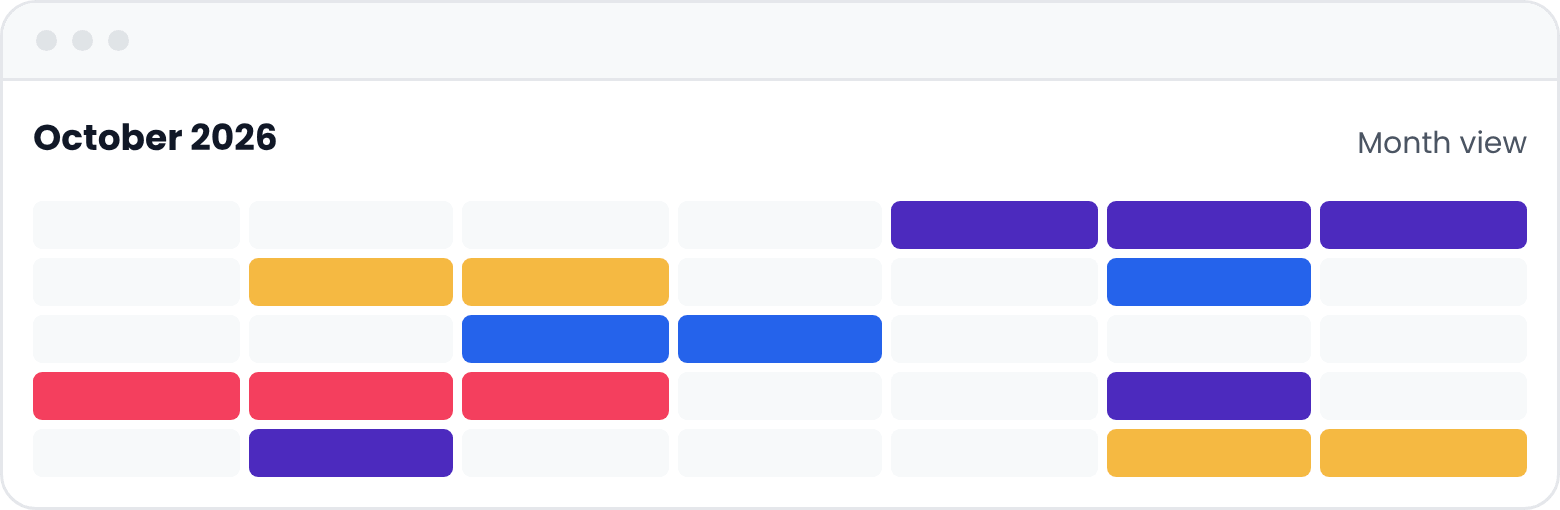
Desktop
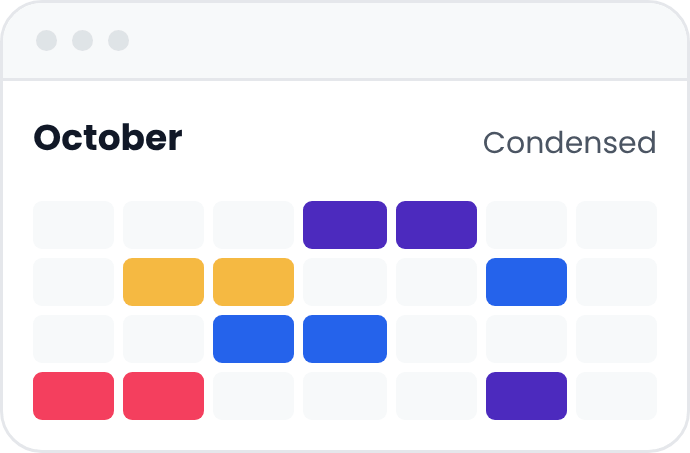
Tablet
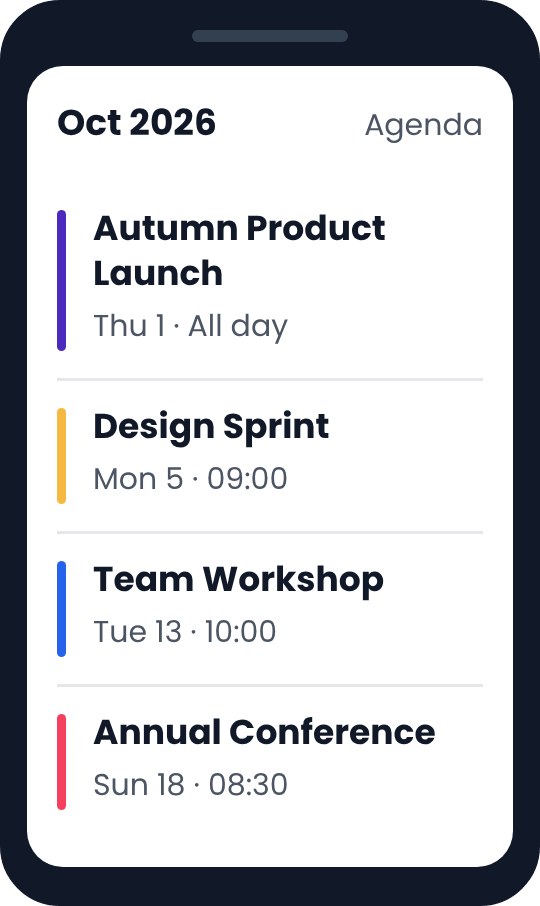
Phone
Beginner-Friendly Yet Powerful
Our Calendar Widget is built for Elementor users of every skill level.
Beginners
Drop it in, pick a source, publish.
Designers
Control spacing, colors, and typography for every element.
Agencies
Reusable calendar setups across client sites.
Build Any Type Of Calendar
The Calendar Widget for Elementor is designed to handle far more than just event listings. From business schedules to educational timetables, you can create interactive calendars that fit your website's unique needs, all within Elementor.
Event Calendars
Show upcoming events with dates, times, locations, and links.
Business Schedules
Publish your weekly schedule so visitors know what is on and when.
Webinars & Workshops
List sessions and send visitors straight to the registration page.
Class & Course Timetables
Lay out lessons across the week so students can plan ahead.
Booking Availability
Show which days are open at a glance and link out to book.
Community & Club Calendars
Keep members up to date with meetups, socials, and activities.
Build Interactive Event Calendars With Elementor
Create beautiful, responsive event calendars without writing a single line of code.
Get Calendar Widget Now