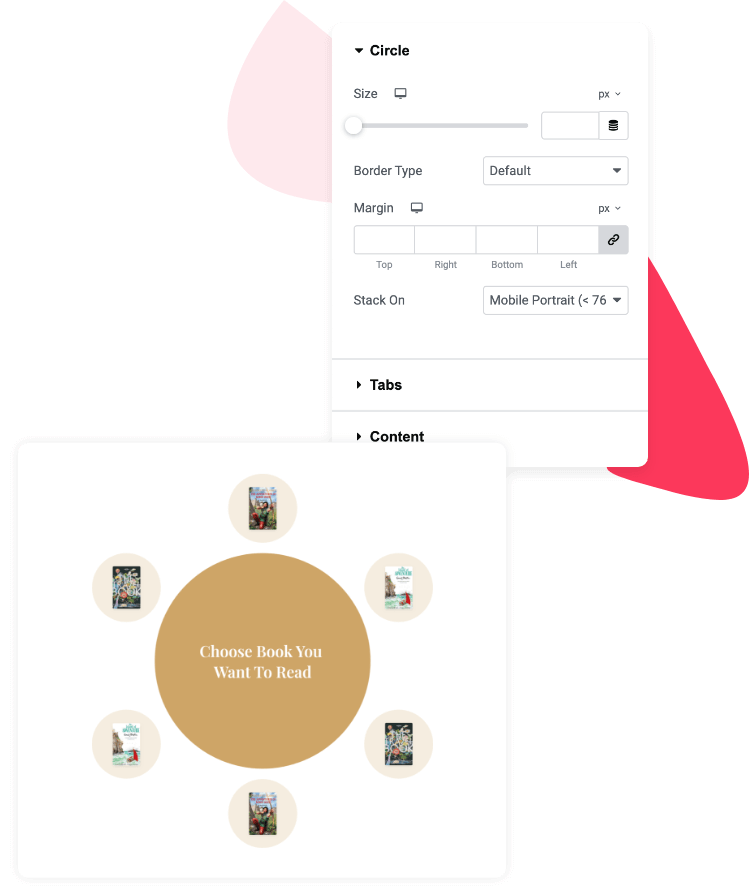
Interactive Circle For Elementor
Introducing the Interactive Circle widget for Elementor! Now you can showcase content on your website in beautiful and eye-catchy circular layouts without
using any additional HTML code and CSS.
Multiple Content Sources
PowerPack Interactive Circle Widget comes with multiple content source options. You can add custom content or showcase your latest WordPress posts. This widget allows you to pull from multiple sources and organize them into an interactive, circular layout.
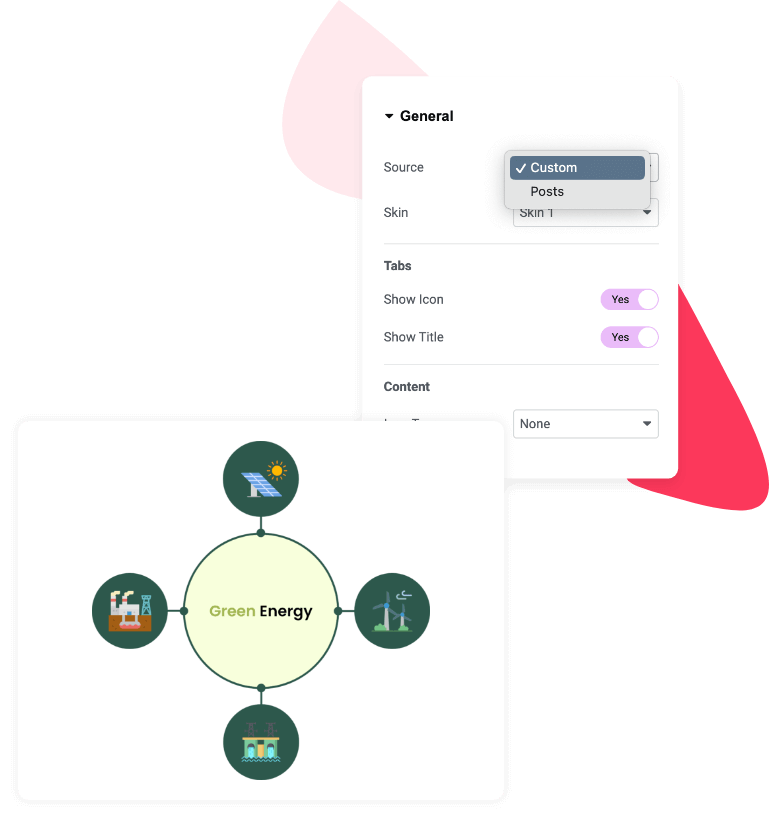
Present Custom Content In Circular Layout
Perfect for displaying services, team members, or any content that needs a personal touch. Add text, images, and links, and the Interactive Circle widget organizes it into a smooth, circular layout.
Present your content in an attractive Circle layout item 1. You can highlight key information with click or hover effects and style it as per your preference.
Present your content in an attractive Circle layout item 2. You can highlight key information with click or hover effects and style it as per your preference.
Present your content in an attractive Circle layout item 3. You can highlight key information with click or hover effects and style it as per your preference.
Present your content in an attractive Circle layout item 4. You can highlight key information with click or hover effects and style it as per your preference.
Display WordPress Posts In Circular Layout
Display your most recent blog posts, pages, or even media content. Choose your desired post type—be it pages, blog posts, or media galleries—and the Interactive Circle Widget fetches them into a stylish circle layout
Creating a website is not just about making it look good. It should also be easy to use for as many people as possible. With our latest PowerPack update,...
Looking for an easy (and free) way to create charts in Elementor? You’ve landed on the right page! If you’re using Elementor to build your WordPress website, you don’t...
We’ve completely redesigned the PowerPack Addons dashboard to make managing your Elementor website simpler than ever. Instead of navigating through multiple settings pages, the new dashboard brings everything together...
PowerPack Addons for Elementor 3.0.0 is here! 🎉 This is a major release with quite a few things to explore. We’ve introduced two new widgets, completely rebuilt the PowerPack...
Want to grab your visitors’ attention without overwhelming your page? A marquee effect is a great way to do that. From highlighting special offers and announcements to showcasing featured...
We’re excited to launch the brand-new Marquee Widget for Elementor, along with several feature-packed improvements across your favorite widgets. Introducing the Marquee Widget Create smooth scrolling content that grabs...
If you are running a WordPress Development agency then we are sure you know how much a customized WordPress dashboard can do for your brand. Most probably the only person...
Want your FAQs to show up directly in Google search results with rich snippets? Adding FAQ schema (structured data) is the easiest way to make it happen. In this...
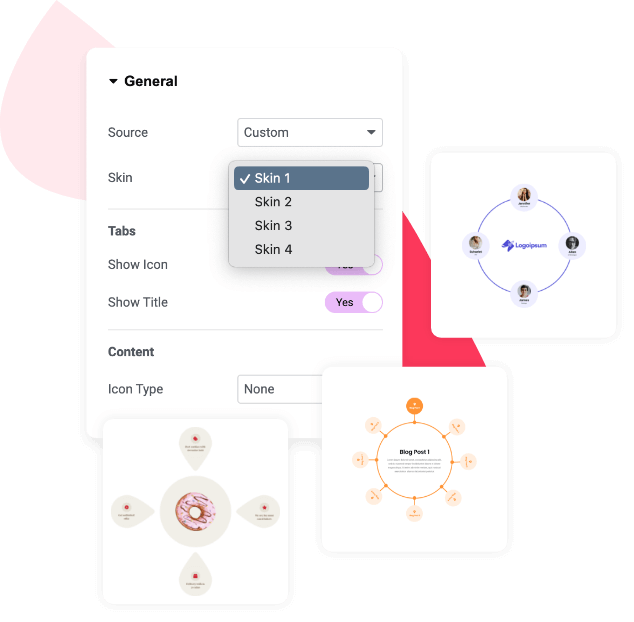
Plenty of Pre-Designed Skins
Don’t have the time or design skills to start from scratch? Worry not! PowerPack Interactive Circle Widget comes with a variety of pre-designed skins. These skin layouts are professionally designed, fully responsive, and customizable to match your website’s look and feel.
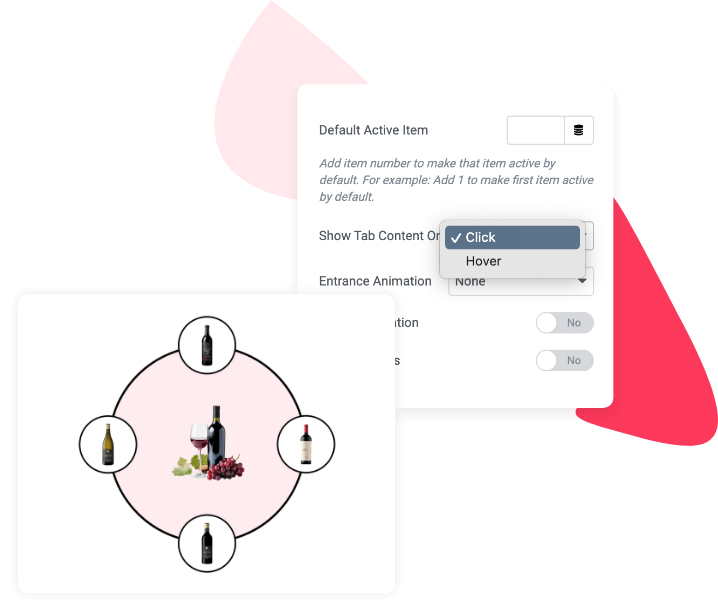
Interactive Tab Content Display
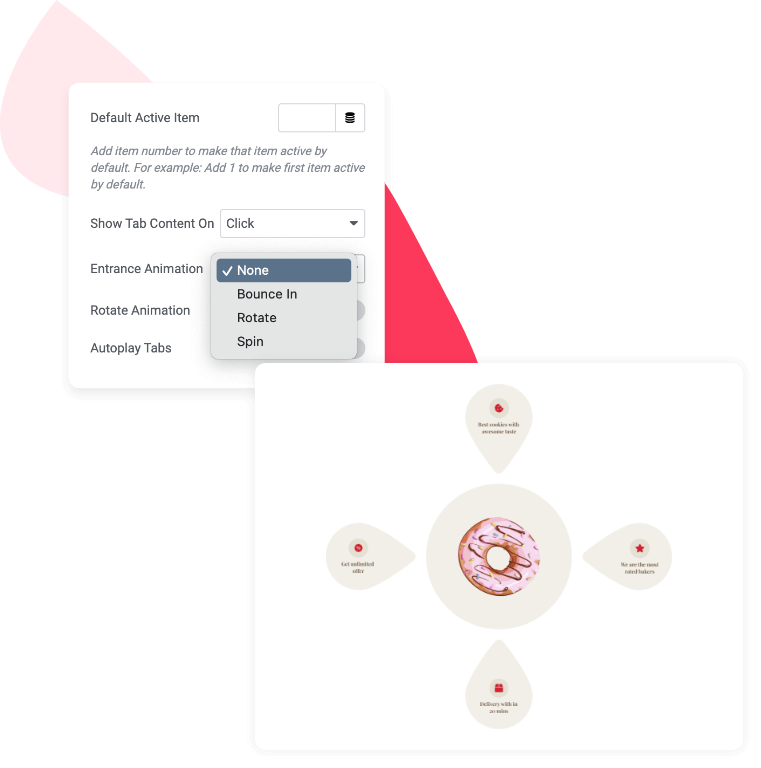
With the Interactive Circle Widget, you can control how visitors interact with your site content. Choose between click-to-reveal or hover-to-reveal functionality to display content inside each circle.
Dynamic Entrance Animations
Make your page content popup with exciting animations. With the Interactive Circle Widget, you can apply dynamic entrance animations to each content area, making your layout more captivating.
- Bounce In
- Rotate
- Spin
Extensive Styling Options
Our Interactive Circle Widget gives you complete control over every aspect of your design. From font styles and colors to borders, padding, and hover effects, you can tweak every setting to ensure your circle layouts match perfectly with your existing site’s design.
- Adjust typography to ensure content is easy to read.
- Customize hover states and border styles for added interactivity.
- Control spacing and alignment to create a balanced, professional design.