All in One Place
Build, Customize, & Manage Your Website in One Place
Managing different website templates doesn't have to be complicated. Site Builder brings your essential website templates together in one place, making it easier to create, customize, and manage your website layouts.
Header
Footer
Single Product
Product Archive
Cart
Checkout
My Account
Templates
Custom Templates for Every Part of Your Website
Header & Footer
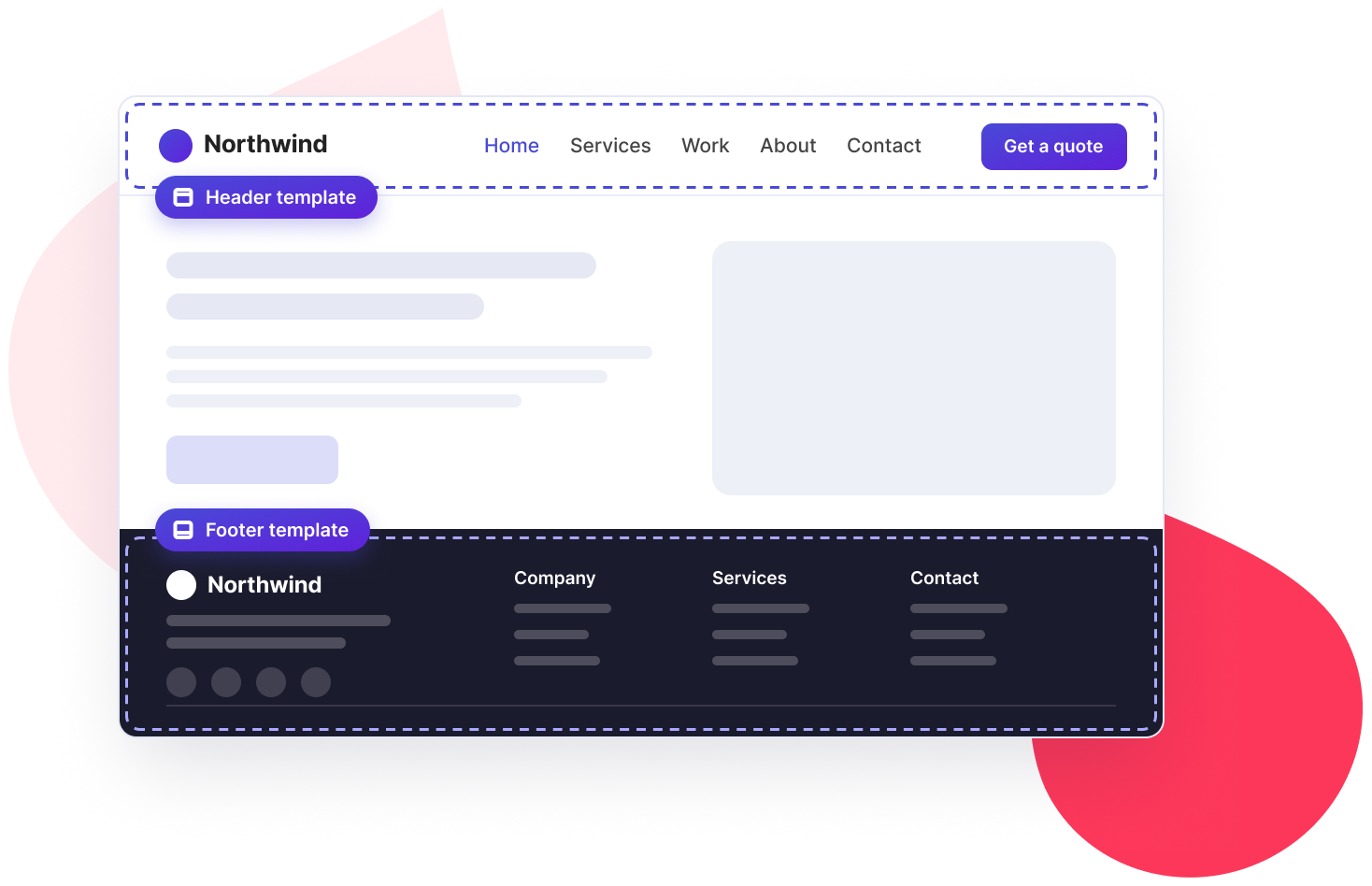
Site Templates: Header & Footer
Design custom headers and footers that give your website a consistent and professional look. With Site Builder, you can design these essential website sections using Elementor and manage them all from one place.
Header Controls
A Smarter Header, Without Extra Code
A great website header should do more than display your logo and navigation menu. It should adapt to how visitors browse your website. With Site Builder, you get flexible header controls to customize its behavior, appearance, and accessibility.
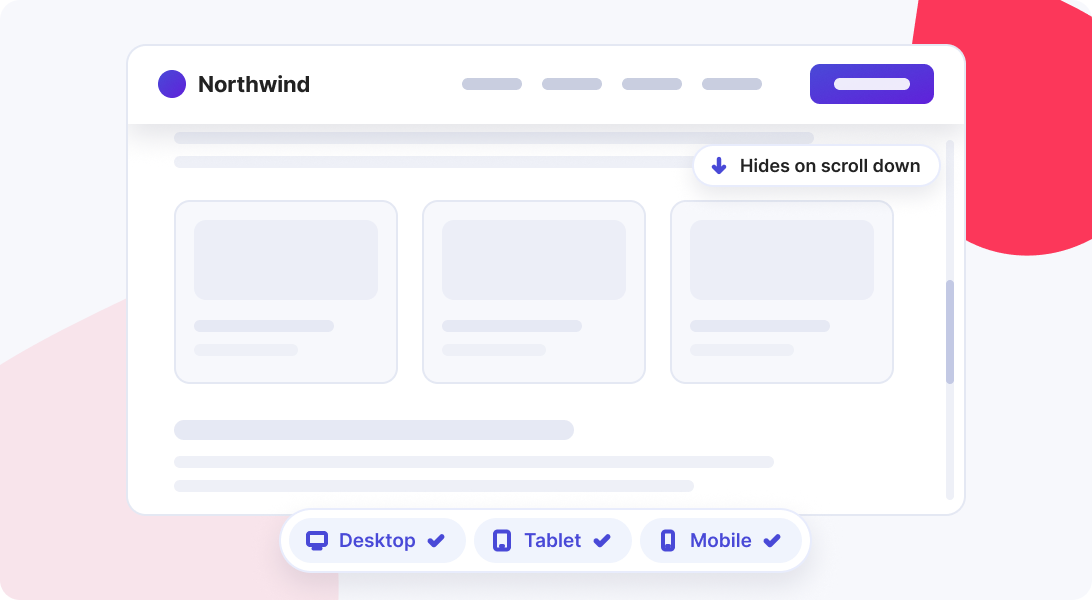
Sticky Header
Keep your navigation within reach. Enable a sticky header on desktop, tablet, or mobile, or any combination, so visitors can always get where they're going. Want more screen space for content? Hide the header on scroll down and bring it back as visitors scroll up.
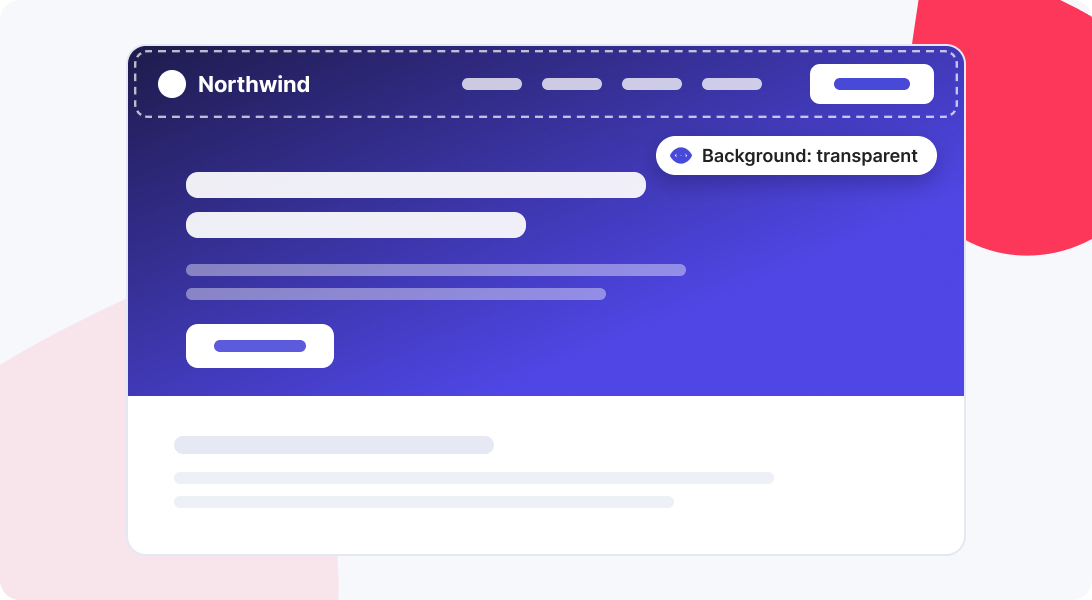
Transparent at Top
Let your hero section shine. Make the header transparent when the page is at the top, so it blends into banners and full-width images.
Scroll Effects
Control Your Header's Appearance as Visitors Scroll
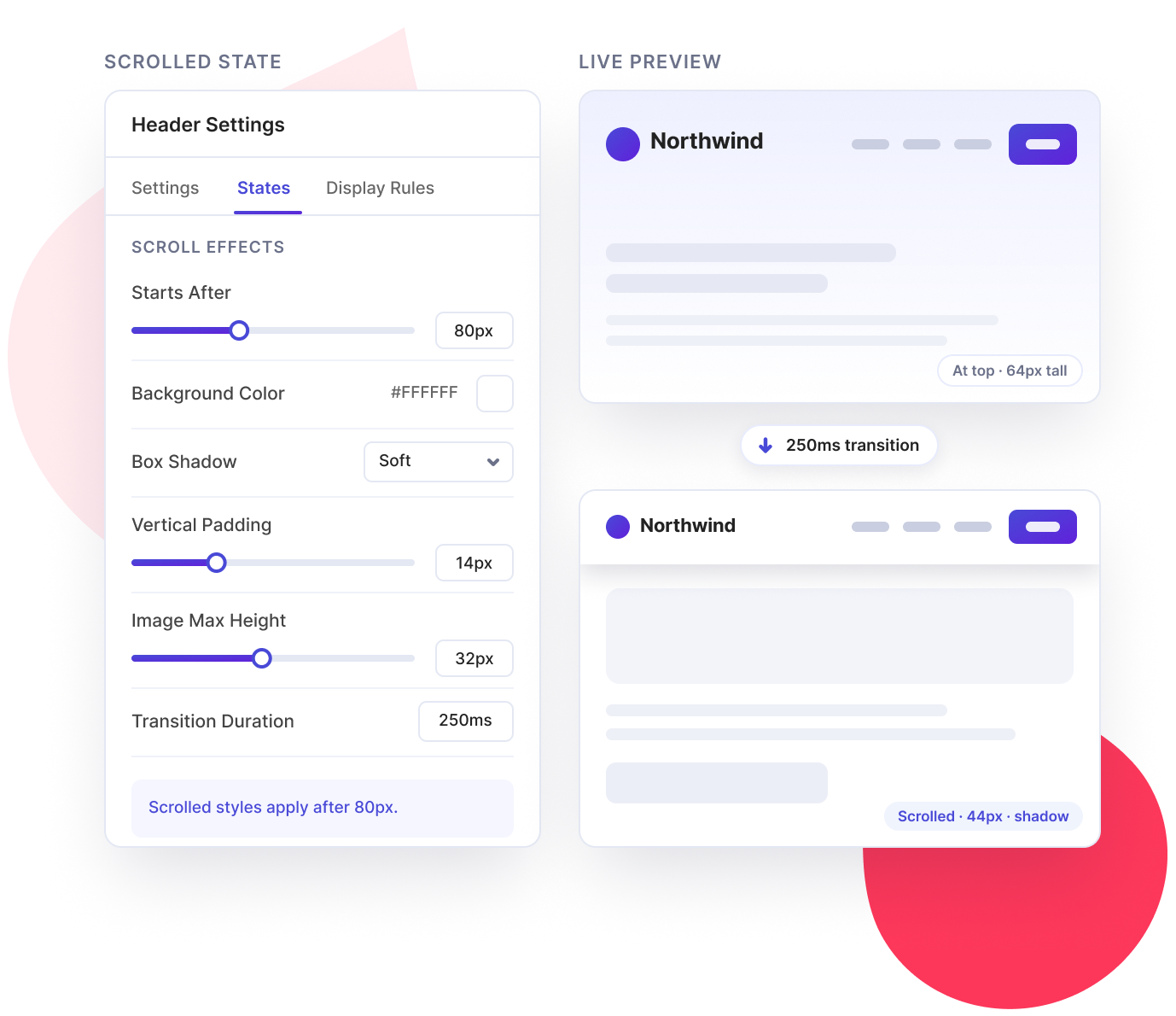
Customize the appearance of your header as visitors move down the page. Adjust colors, spacing, shadows, and transition effects to create a polished scrolling experience.
Starts After
Choose when the scrolled header state should begin.
Background Color
Set a background color for the scrolled header.
Box Shadow
Add depth with a shadow effect.
Vertical Padding
Adjust the spacing inside your header.
Image Max Height
Control the maximum height of header images.
Transition Duration
Set the speed of the transition between header states.
Accessibility
Make Navigation Easier for Everyone
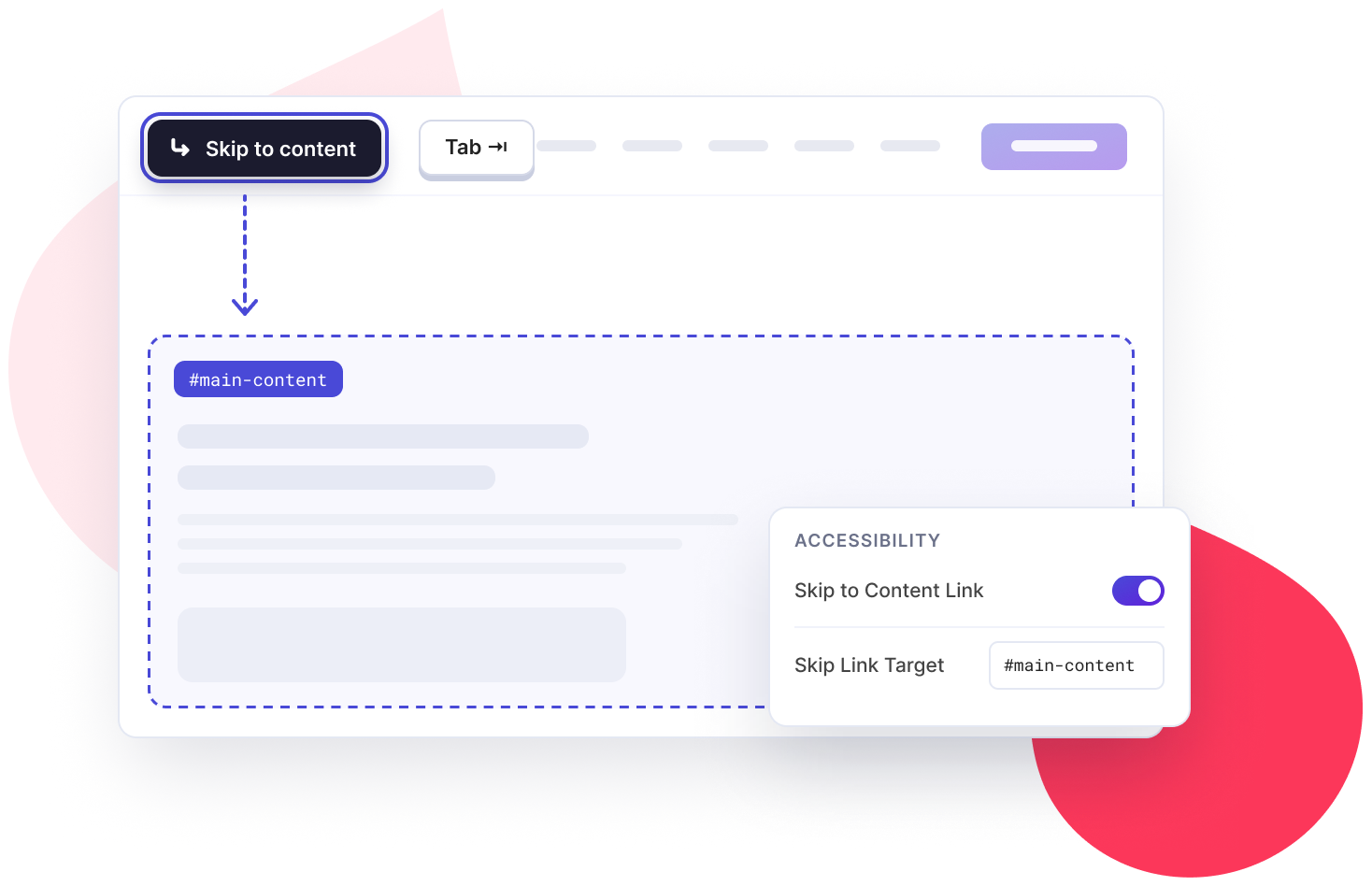
Make browsing more accessible with options that help visitors reach your main content without navigating through the entire header.
Skip to Content Link
Let visitors skip navigation and jump directly to the main content.
Skip Link Target
Define the destination visitors reach when they use the skip link.
Footer
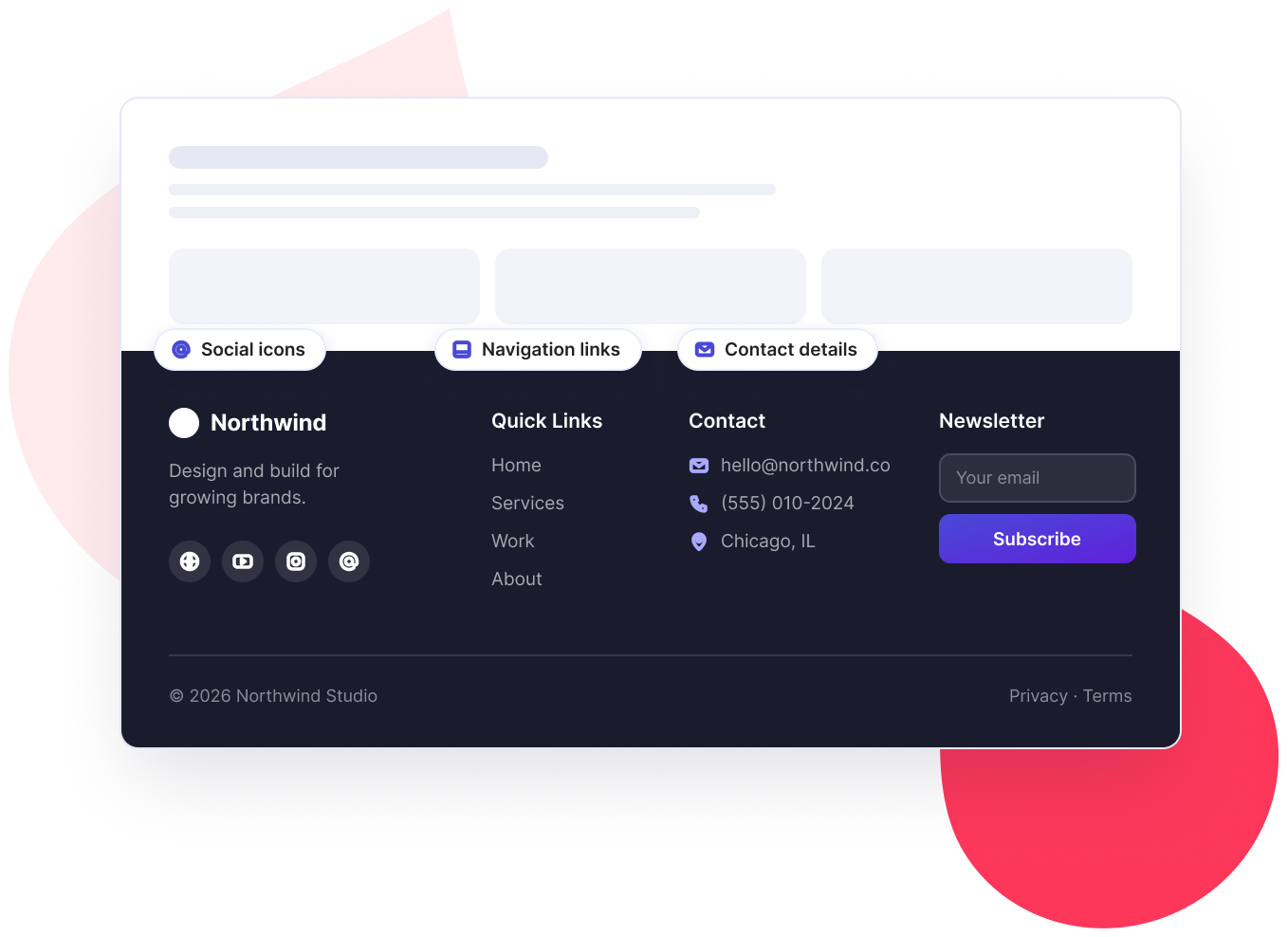
Footer Templates
Build custom footers with navigation links, contact details, social icons, and other useful elements. Give your website a consistent look across different pages.
WooCommerce
WooCommerce Templates
Take control of your WooCommerce store's design with custom templates for product pages, shop layouts, cart, checkout, and customer accounts. Build a consistent shopping experience that matches your brand.
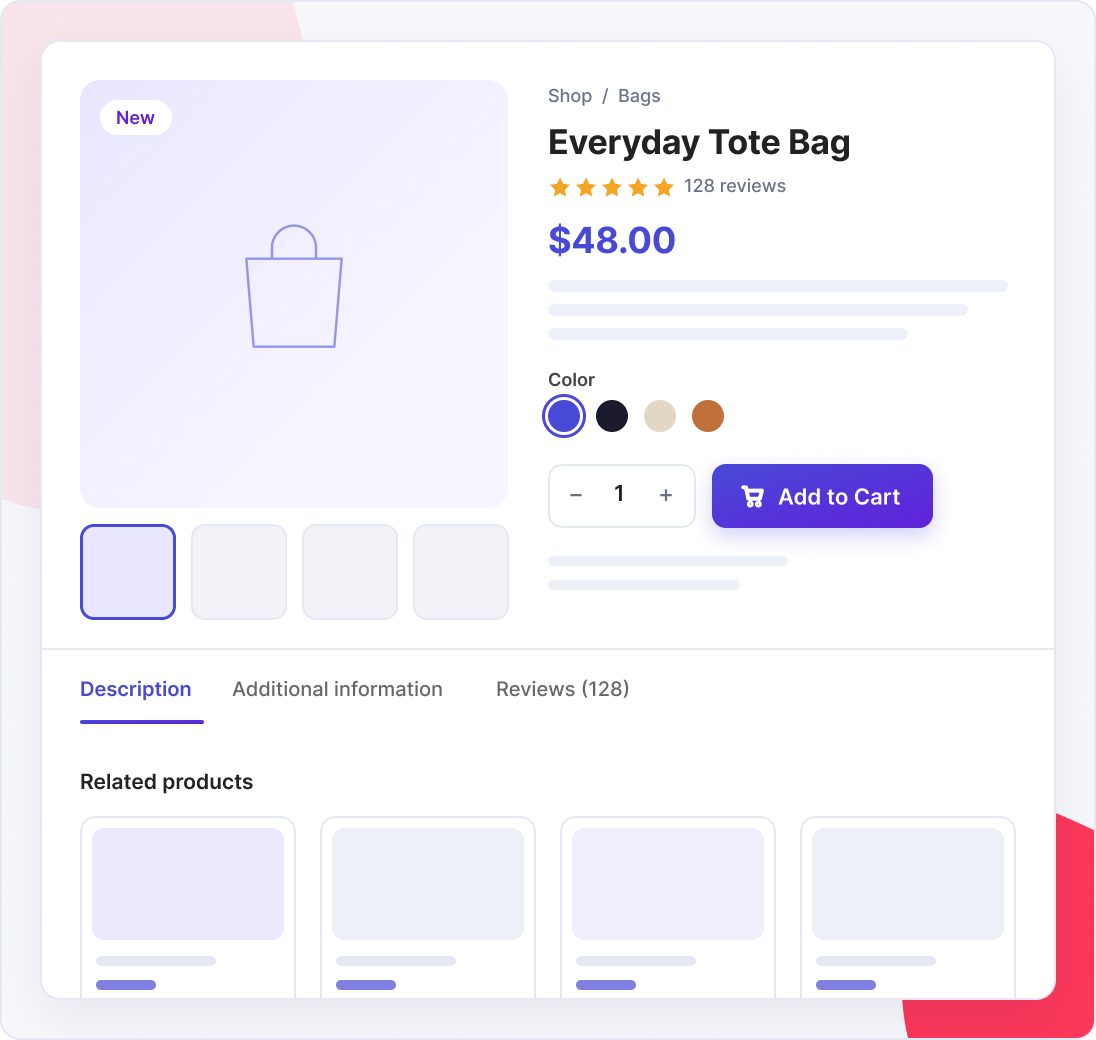
Single Product Templates
Customize your product pages and decide how product details, images, prices, and other information appear.
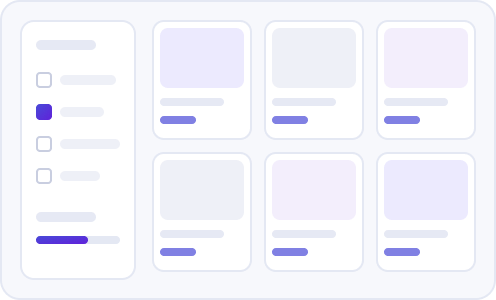
Product Archive Templates
Create custom layouts for your shop and product category pages. Present your products in an organized and attractive way.
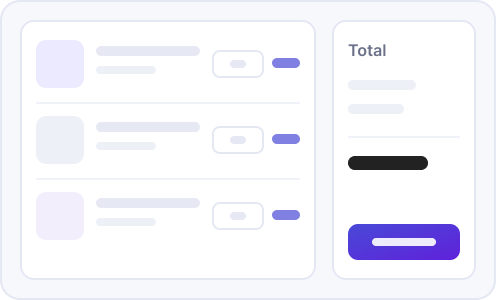
Cart Templates
Customize your shopping cart page to match your store's design and create a consistent shopping experience.
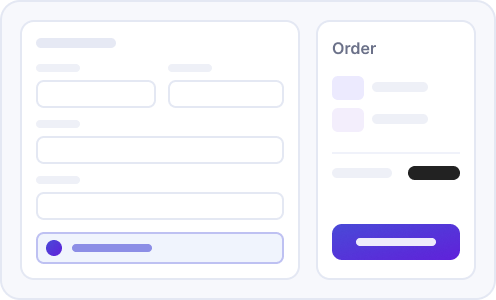
Checkout Templates
Design a checkout page that fits your brand and delivers a seamless shopping experience for customers.
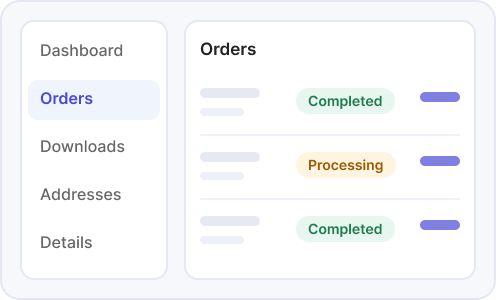
My Account Templates
Customize the My Account page where customers can view their account details, orders, and other information.
Template Controls
Decide Where Your Templates Appear
Creating templates is only half the job. You also need control over where they appear. Site Builder gives you flexible options to manage template visibility across your website.
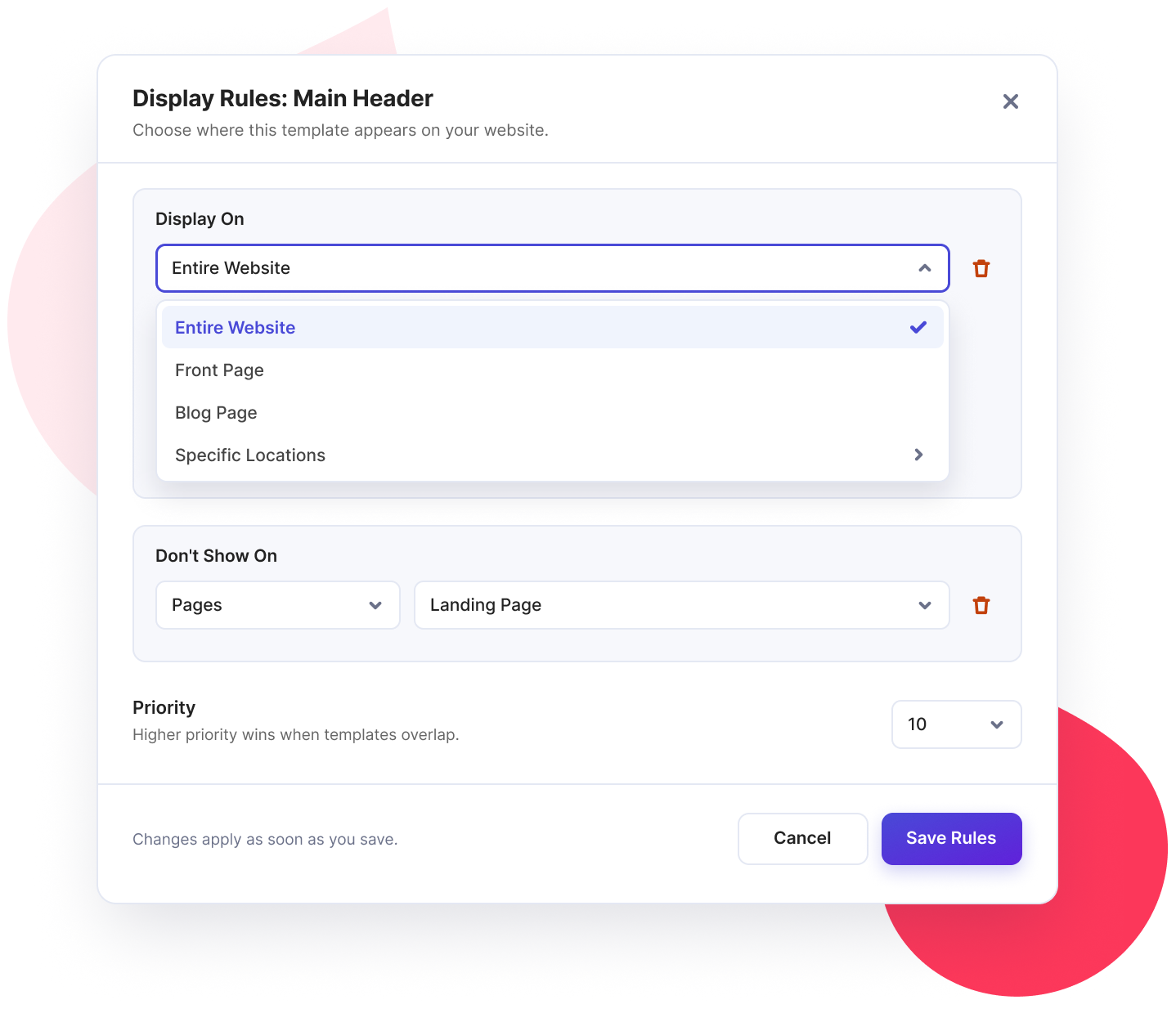
Display Rules
Choose exactly where a template should appear. Set display conditions for: Entire Website, Front Page, Blog Page, or any Specific locations across your website.
Exclusions
Don't want a template to appear on certain pages? Add exclusion rules to prevent it from displaying in selected locations.
Priority Control
When multiple templates of the same type match a page, the template with the higher priority wins. Set priorities to control which template gets displayed.
PowerPack Widgets
Everything You Need to Build More with Elementor
Site Builder is just one of the many tools included in PowerPack Addons for Elementor.
Get access to 80+ creative Elementor widgets and 150+ ready-to-use templates to design different sections of your website. From interactive content layouts to advanced design elements, PowerPack gives you more ways to bring your ideas to life.
80+
Widgets
150+
Templates
Explore More Possibilities with PowerPack
Creative and Content Widgets
Create engaging website layouts with widgets for grids, carousels, timelines, content displays, and more.
Learn More
WooCommerce Widgets
Design different parts of your online store using widgets to showcase products and improve your store layouts.
Learn More
SEO Widgets
Add useful content elements to create well-structured and engaging website pages.
Learn More
Advanced Design Features
Go beyond standard website layouts with features such as Display Conditions, Animated Backgrounds, White-Label Branding, and Cross-Domain Copy-Paste.
Display Conditions
Animated Backgrounds
White-Label Branding
Cross-Domain Copy-Paste
Learn More