

Use Business Hours Widget for Elementor by PowerPack Addons to create an exciting business hours section on your WordPress websites.
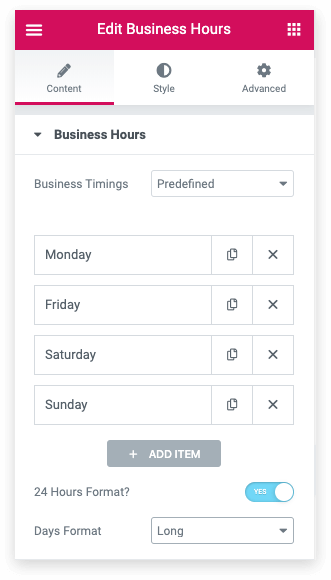
Business Hours widget of PowerPack Addons offers pre-defined business timings for your ease. You can easily customize these timings based on your availability.
It gives you the flexibility to add a day, opening, and closing Hours from a drop-down menu. Apart from weekends, you can enable a toggle to mark any weekday as a closed day/holiday and can custom text content for the same.
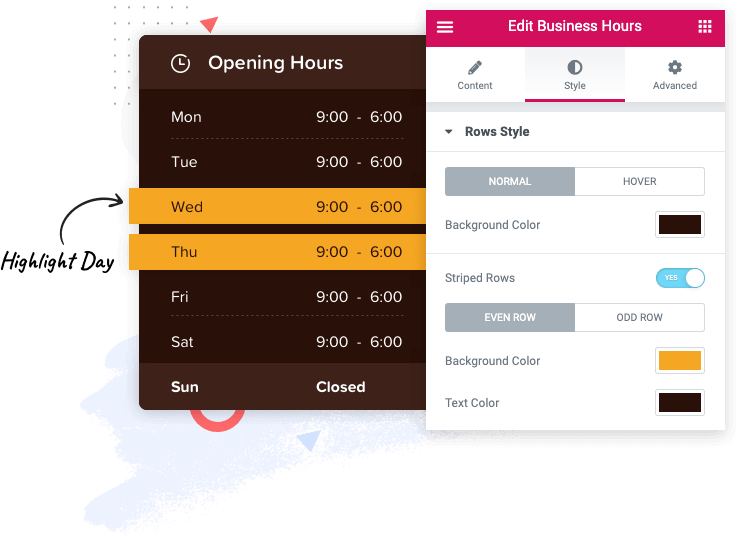
There come instances when you need to highlight one, two, or more weekdays for your users. PowerPack Business Hours widget lets you highlight any day of the week with customized background and text color.
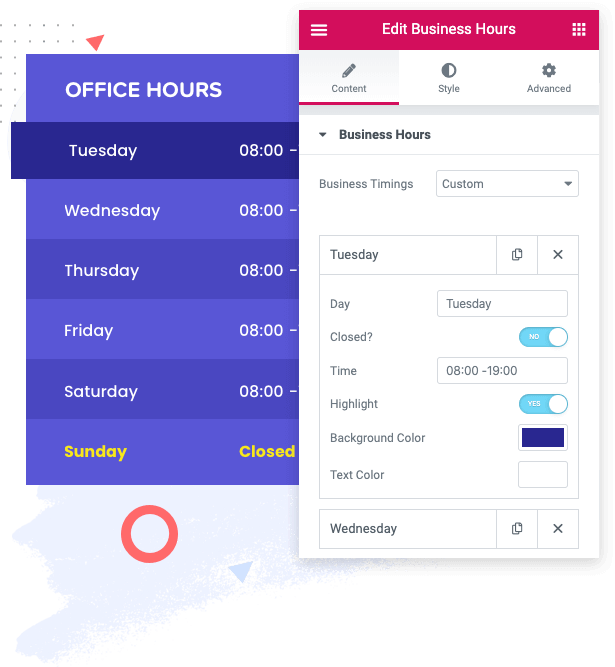
Custom business timings option lets you define custom day and time as per your preference. Let’s say you want to start your business week on Tuesday rather than Monday; you can quickly achieve this with the custom option. Moreover, here you can highlight any day with custom settings, as mentioned in the above section.
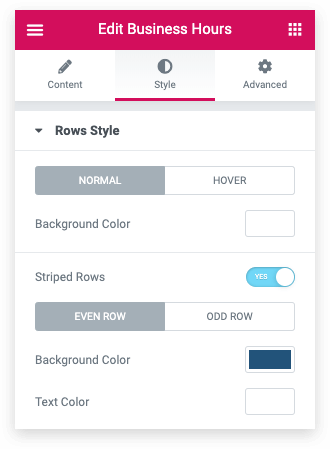
Impressive styling options allow you to change the style and alignment of day and time. You can create stylish business hours by enabling striped rows options available in the Widget.
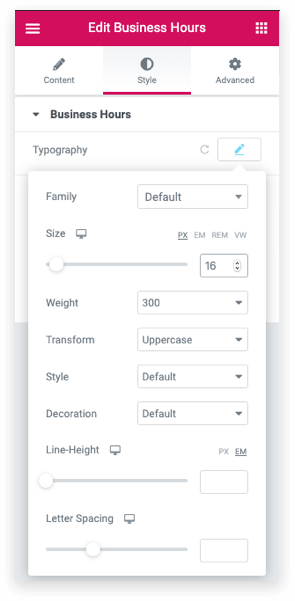
Typography options available with the widget allow you to alter the typography of the day and timing. You can choose the font family and size, define the height, and adjust the letter spacing according to your brand and style.
Build impressive WordPress websites using Elementor page builder with 70+ creative widgets and 350+ pre-designed templates.
No additional coding skills are required.
Subscribe to receive latest updates, announcements, offers, deals & discounts.